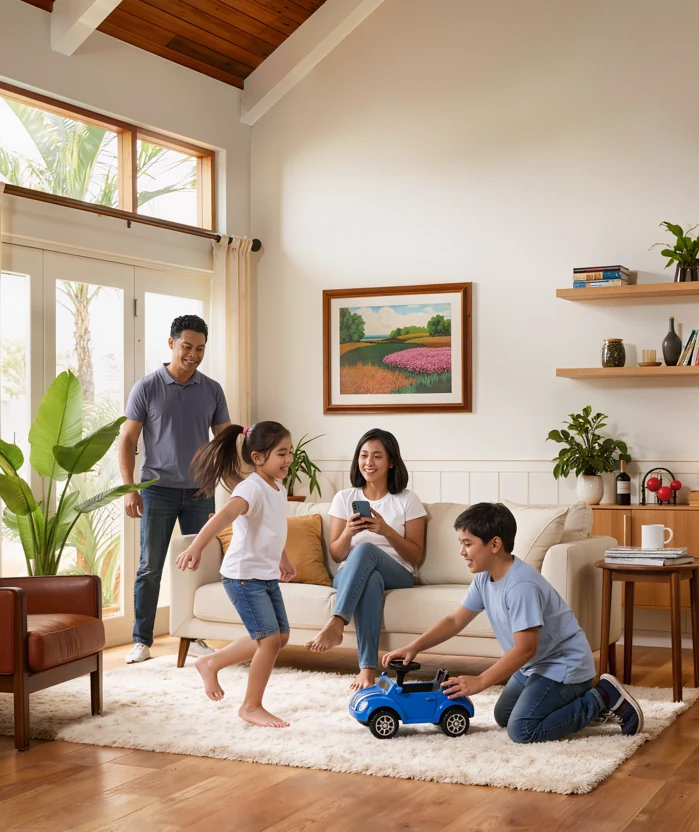
Homeowners
Register once from your phone.
- A QR pass for every car, family member, helper and visitor
- A phone alert when one of your passes is scanned
- Your dues, payment details and receipts in one place
- HOA announcements on your phone
Replace the paper logbook and the dues collector with QR passes at the gate and a live console in the HOA office. Nothing to buy: guards and homeowners use the phones they already have.
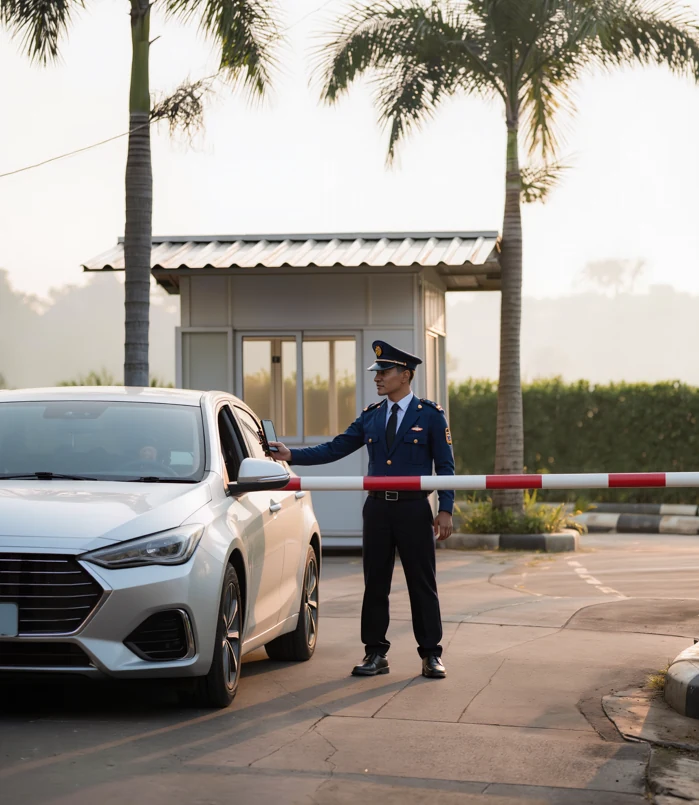
Most subdivisions still run on a paper logbook and car stickers. Here is what that costs you every day:
Watch how QR passes fix all three, and how the office sees it live.
Everyone gets a simple tool for their own job.
Register once from your phone.
Works on your own Android phone.

A web console on any computer.
Not just the car. Each vehicle, family member, helper and visitor gets its own QR pass, made by the homeowner in a few minutes. A visitor's pass stops working on the day the homeowner chooses.
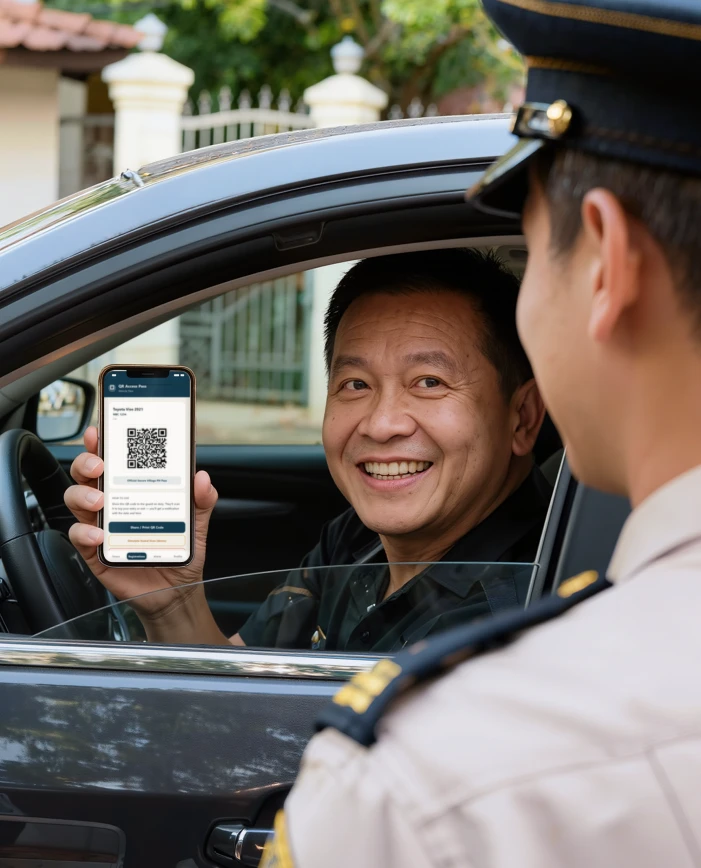
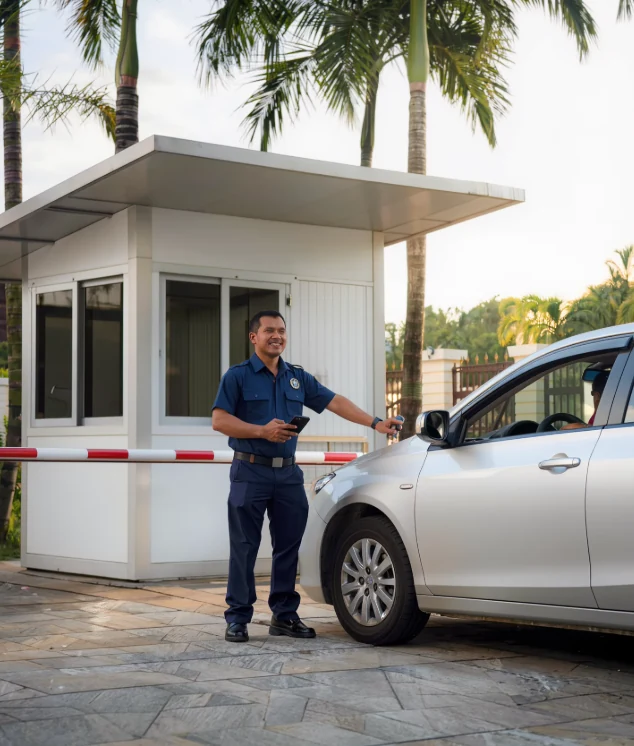
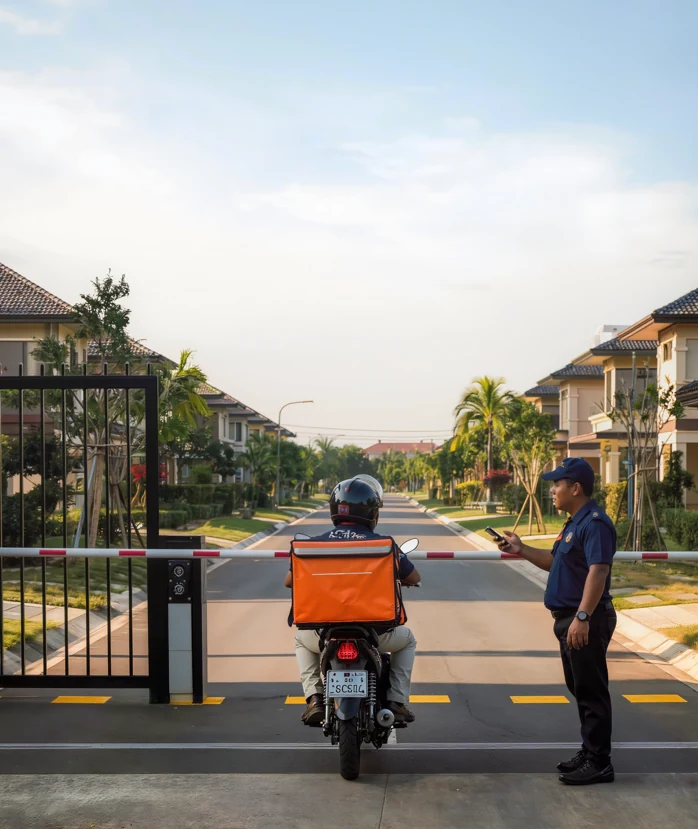
One tap for entry or exit. Deliveries are logged with the rider's plate (read by the phone camera), the company and the house they are going to. Walk-in visitors are logged with their purpose.
The app needs an internet connection. Keep your logbook as a backup for the rare time the signal drops.
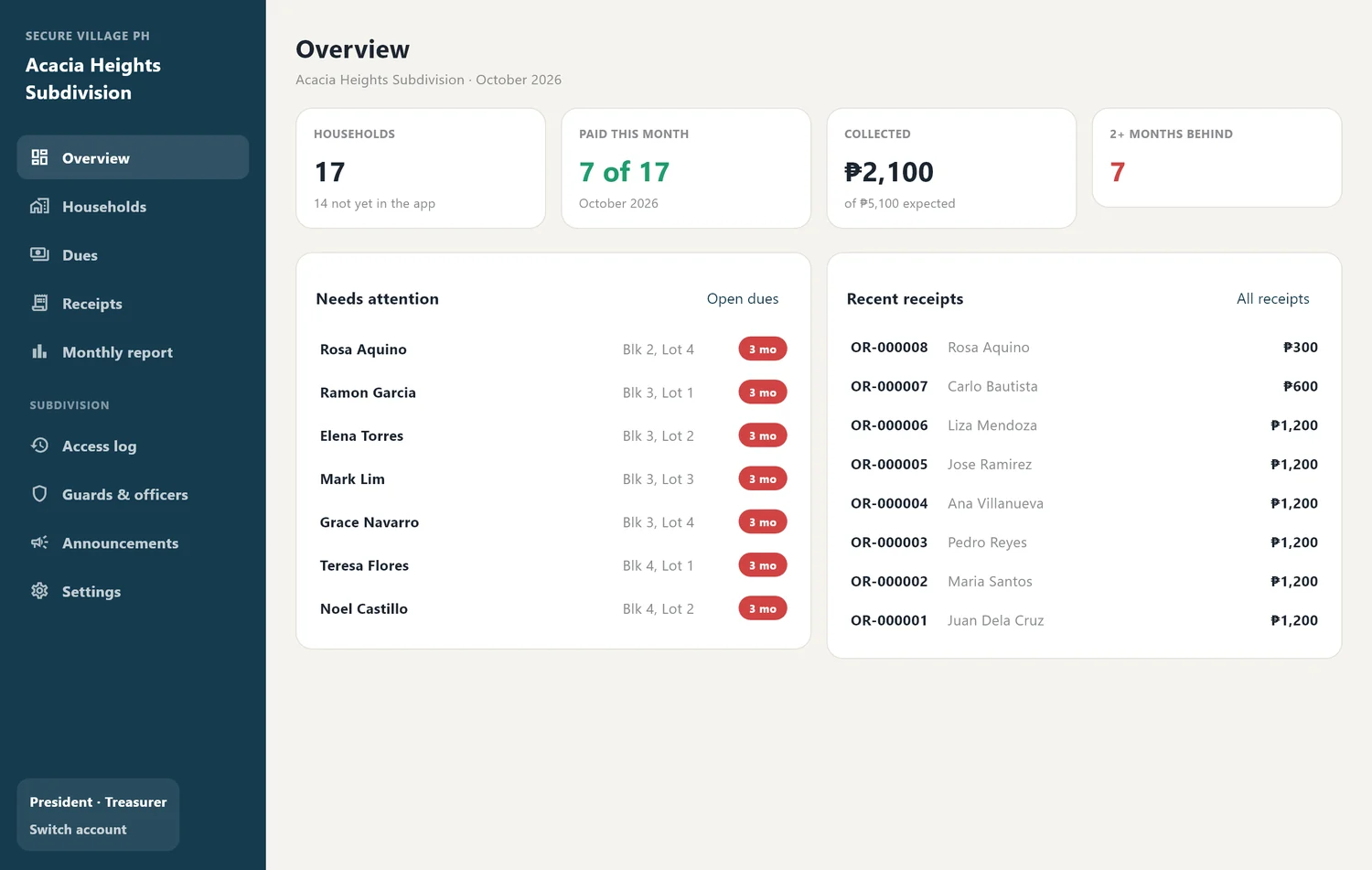
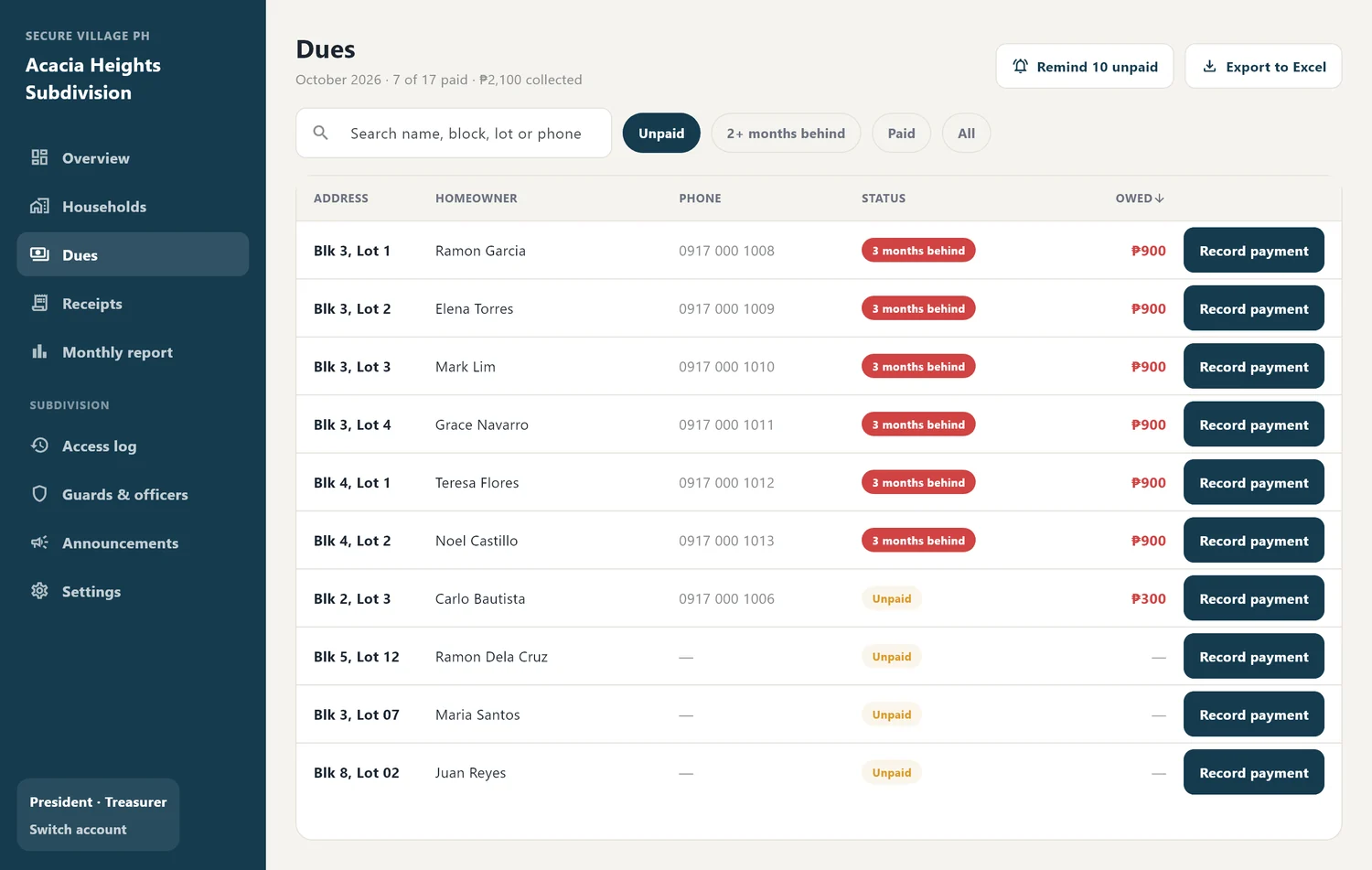
The Treasurer sees every household's status at a glance, records a payment in a click, and the system issues a numbered official receipt. Months behind are counted for you.
The app never handles money. Your Treasurer records payments as they are received.
Enters the household code from the HOA, then adds family, vehicles and expected visitors.
Each car, person and visitor gets a unique pass on the homeowner's phone.
Entry and exit are logged in seconds, and the homeowner is notified.
The gate log, dues and receipts are live on the HOA console, with one-click reports.
Try everything free for 30 days. Nothing is charged until your board agrees in writing.
No payment. No obligation.
or ₱100 per household for a full year
or ₱150 per household for a full year
Example: 200 households on Standard is ₱2,400 a month (₱12 × 200), or ₱3,000 on Premium. Subscriptions have a 6-month minimum. Billed per household for the whole subdivision.
We do the setup with you remotely. Your board only has to say yes.
One contact person, an Excel list of households, and your guards' and officers' names.
Your subdivision, staff accounts and household codes, with your list imported.
A short video call, about 15 minutes, for guards and officers.
The HOA hands out codes and families sign up at their own pace.
Then your board decides. Keep your logbook as backup meanwhile.
The first 30 days are free, with no payment and no obligation. After that it is ₱12 per household per month, or ₱100 per household for a year. Premium, which adds incident and complaint reporting, is ₱15 per month or ₱150 per year. Subscriptions have a 6-month minimum, and nothing is charged until your board agrees in writing.
No. Guards scan with the camera of an Android phone (Android 7 or newer), homeowners use their own Android phone or iPhone, and the HOA office uses any computer, tablet or phone with a web browser.
No. It works alongside your guards, stickers and procedures. Guards still verify people, and the logbook stays as your backup.
The app needs an internet connection to scan, and it has no offline mode. If the signal drops, guards go back to the logbook for that period. Scanning uses very little mobile data, so a regular prepaid load or Wi-Fi at the gate is enough.
Yes, for homeowners. On an iPhone they open the Secure Village PH link in Safari, with nothing to install from the App Store. Guards use Android phones, and officers can use the web console on any device.
No. Your Treasurer records each payment (cash, GCash or bank transfer) and the system issues a numbered official receipt with the officer's name. It shows who is behind and by how many months.
It is stored on Google's Firebase cloud, encrypted in transit and at rest, and each subdivision's data is separated on the server so no other subdivision can see it. We never sell it or use it for advertising. If you leave, your data stays yours and is handed over and deleted on written request.
One contact person, your household list (Excel is fine), and the names of the guards and officers who need accounts. We do the rest with you by video call and chat.
Yes. The 30-day trial has every feature and no obligation. If your board decides not to continue, you simply tell us.
Something else? Ask our assistant or message us below.
Tell us a little about your HOA and we will reply directly. The trial is free, and there is nothing to buy.